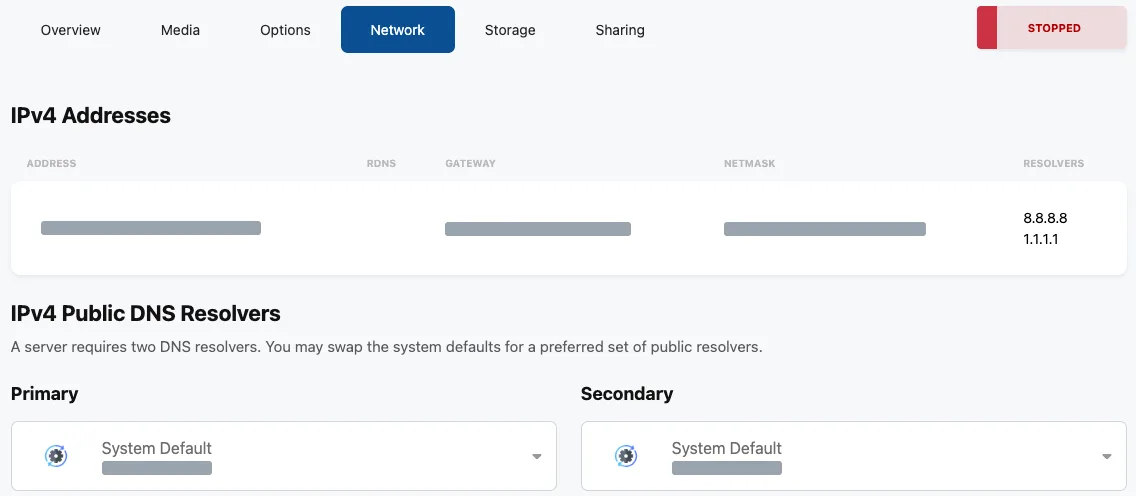
Your VPS IP address shows up in a few places.
Your setup emails
- The “Your WinterNode VPS is being set up” email lists it as Server IP.
- The separate email from our VPS Control Panel has your login details. See Login Credentials.
The Client Area
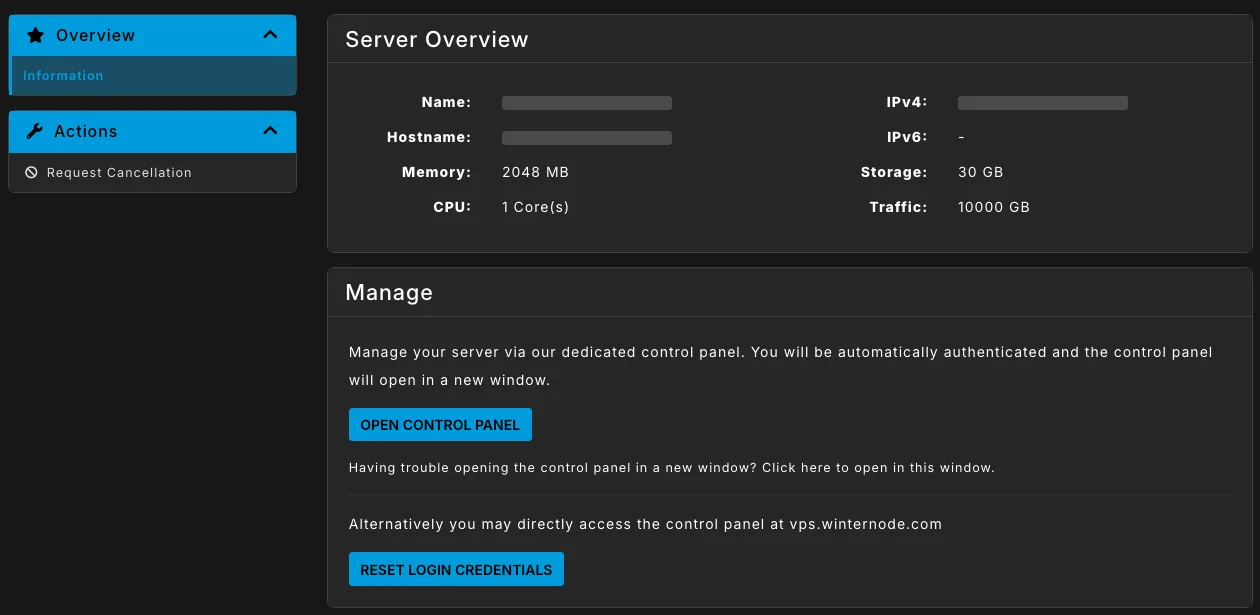
Open your VPS from Services → My Services in the Client Area. Your IP is listed as IPv4 in the Server Overview box.
The control panel
Open the control panel, then:
- On the Network tab, it’s the Address in the IPv4 Addresses table, along with the gateway and netmask.