


 Minecraft
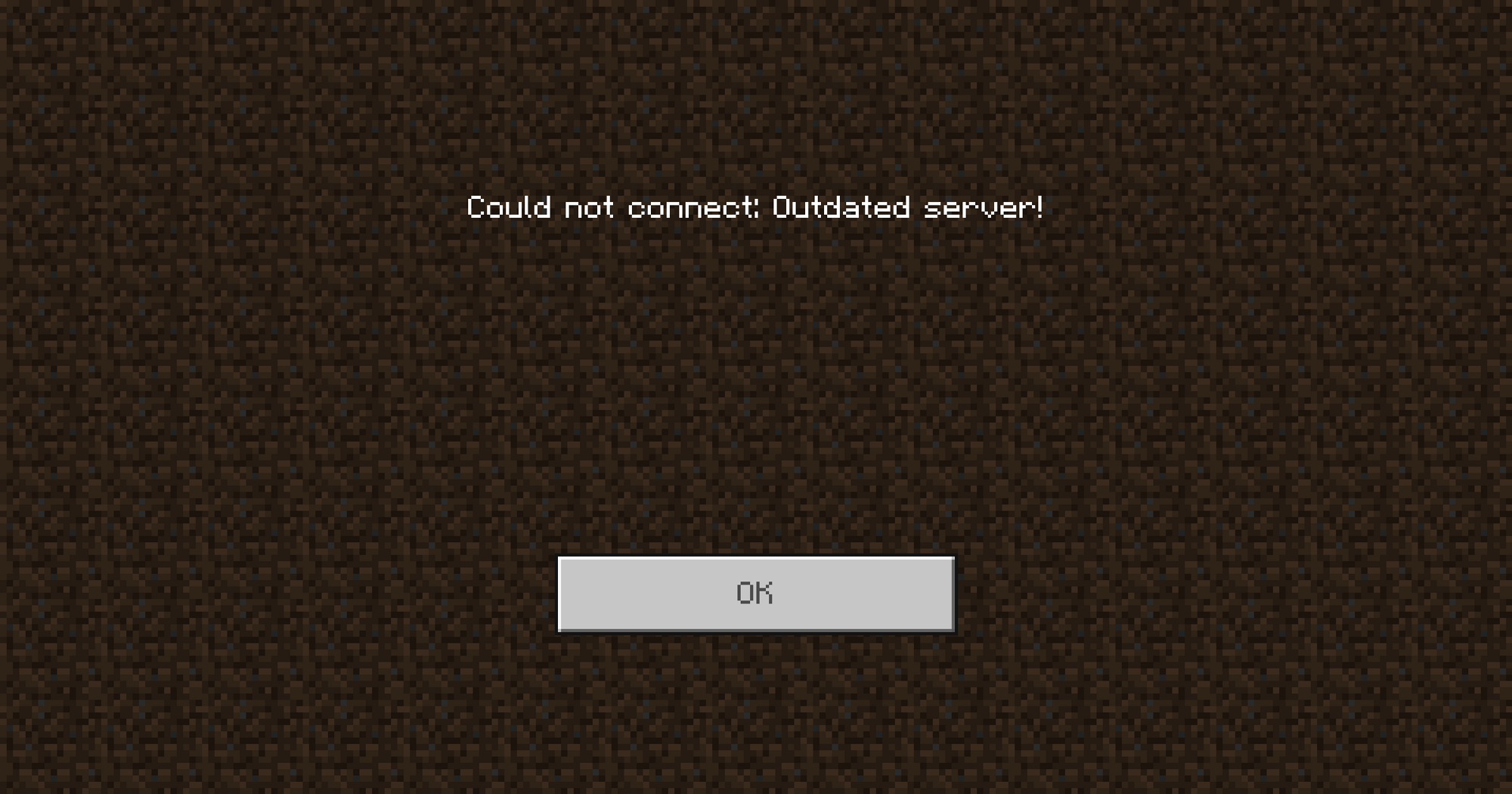
 Bedrock Clients update automatically and can not be reverted to old versions, so you need to be prepared to update your Bedrock Server as soon as new versions release. To that end, we’ll be covering how to easily update your Bedrock Server using the Panel Installer or the official Mojang files for a Vanilla Server. Our Minecraft Bedrock server hosting includes the panel Reinstall Server button used in these steps.
Using the Panel Installer
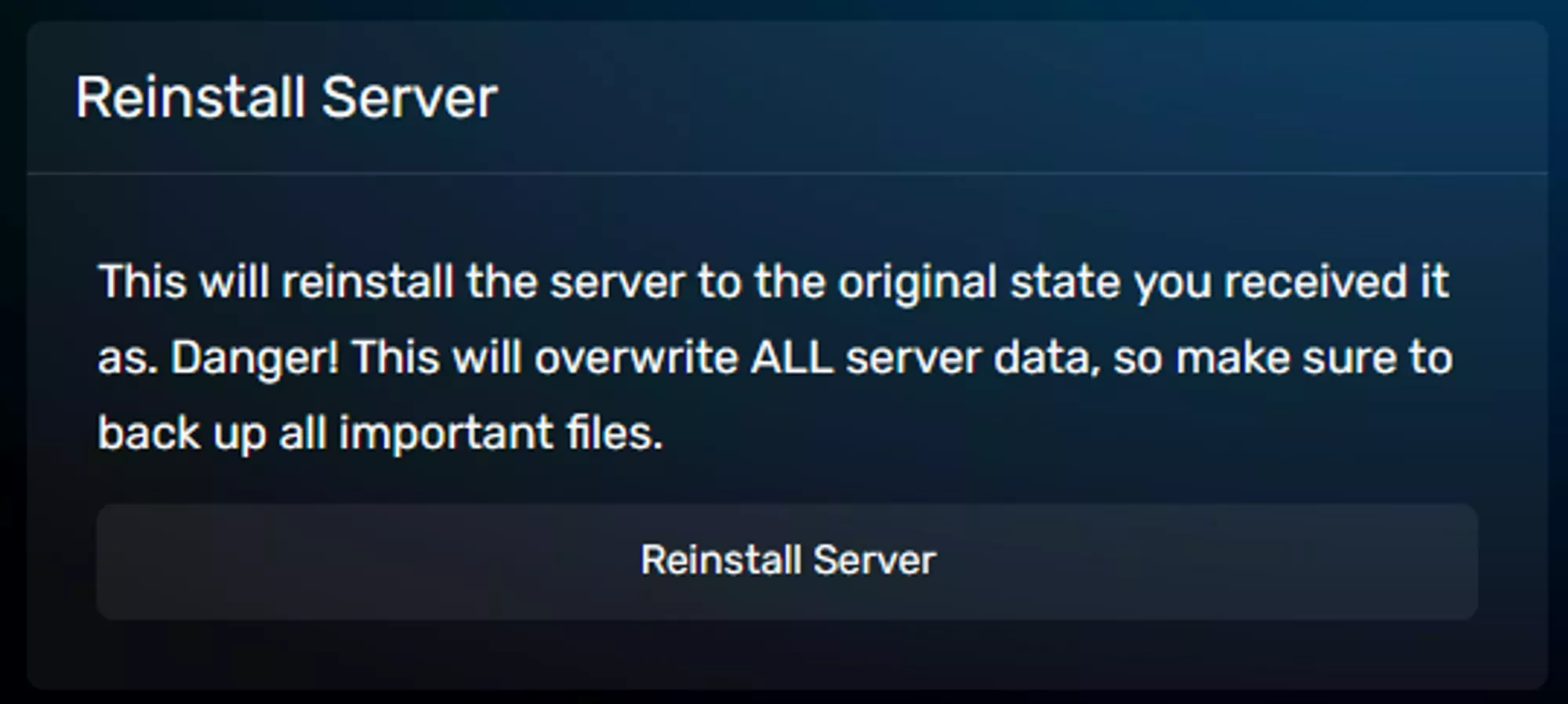
You can use the GCP to install the latest version of Bedrock by reinstalling the server files under Advanced → Server Actions using the Reinstall Server modal. This should only delete the server files related to the Server Version and leave things like your world and player data alone. You should still take a backup in the rare case that something goes wrong with the update.
Manual Installation
If the Panel Installer isn’t working for any reason, you can manually install a Bedrock version using the steps below.
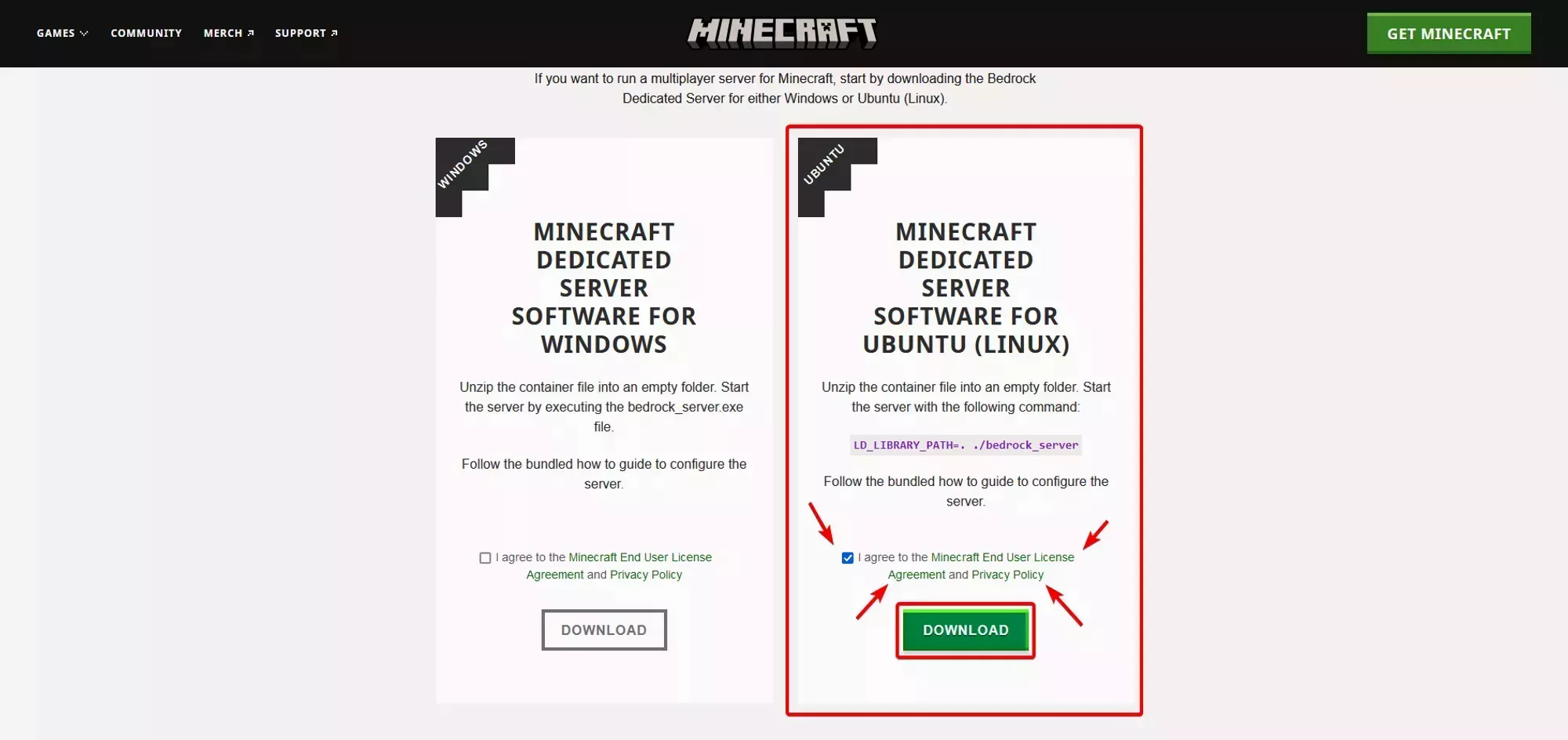
You’ll need to download latest Bedrock Server files for Linux from the Minecraft website after agreeing to the EULA and Privacy Policy. They will be downloaded as a zip file that you can upload to the server directly Using SFTP.
After you’ve finished downloading the File from the Minecraft Website and uploading it to your server you can decompress the files using the File Manager in your root directory. The decompression will replace any files needed for the update and leave your world/player data behind, except for the server.properties file as mentioned below.