


If you have a Game Server service at WinterNode that you aren’t going to be using for awhile but you want to keep all of your settings and files, you can change the plan to our Cold Storage Plan instead of canceling.
The Cold Storage Plan costs a few dollars per quarter and retains your files, settings, and service until you “upgrade” to a regular plan again. This allows you to have access to your files using the File Manager and “unfreeze” your server at a later date with no setup time.
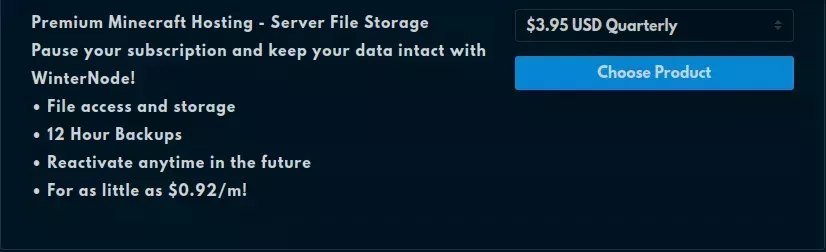
Freezing
If your Game Server Service is currently active and you want to “freeze” it so that you can Unfreeze it when you’re ready to play again, you just need to go through the Upgrade/Downgrade process and select “Cold Storage” as the plan you’re “upgrading” to.
With your service on the Cold Storage plan, you won’t be able to start your server, but everything will be left as it is for when you need it! Just Unfreeze the server and you’ll be good to go!
Unfreezing
If your Game Server Service is currently on the cold storage plan, you can go through the Upgrade/Downgrade process and select any of the plans available for your game.