


 Vintage Story
 Connecting to a Vintage Story server is a simple process, start by either getting the IP from the server owner or by getting it from the GCP if you’re the server owner.
Getting the IP
You can get the IP from the GCP by following the steps on this article.
Connecting
Using the IP from the section above or the server owner, you can follow these steps to connect. You can also add your server to the Steam Server Browser to keep it in your favorites.
- Open the game.
- Select the “Multiplayer” button on the left.
- Click “Add server”.
- Optionally enter a name for the server in your server list.
- Enter the Server IP.
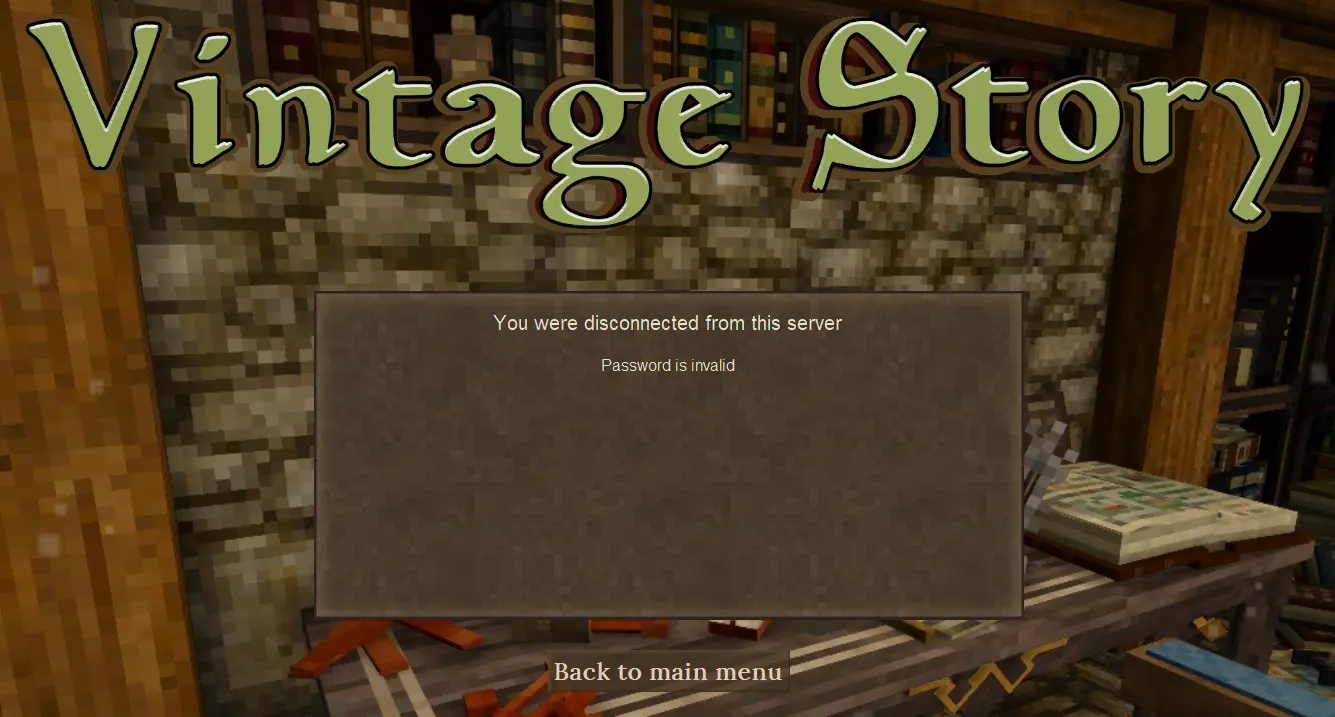
Enter the Server Password if you have one.
You can find and change your server password using the server’s Server Options.
- Click “Create”.
- select the server from your multiplayer worlds list!