Satisfactory
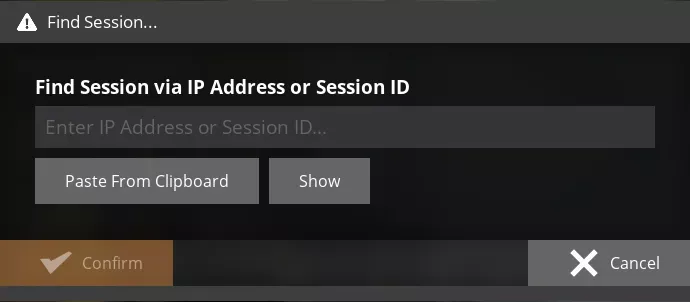
 Satisfactory servers can be connected to directly through the game client using the IP and Port shown in the Game Control Panel.
Join within the Client
Open Satisfactory and select “Join Game” → “Join Game Directly”.
Fill out the “Address:” and “Port:” fields with the IP and Port you can locate on the GCP.