


 Palworld
 Like with each of our games, we provide a few easily configurable Server Options to get you started with your Palworld server.
Auto Update
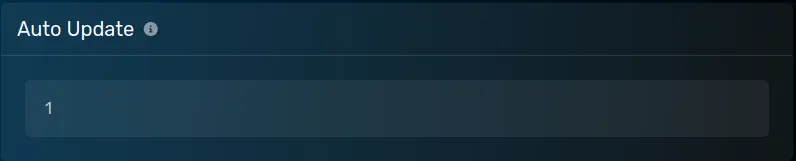 Controls whether or not the server will automatically update when the server restarts. A value of
 1 means it will auto update and a value of 0 means it will not auto update.
Max Players
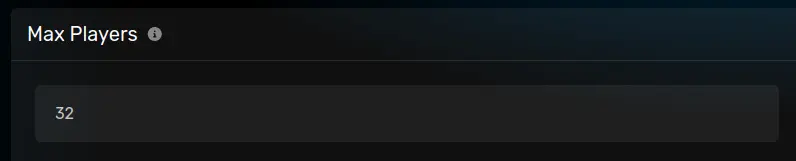 Specifies the maximum amount of players that can join. Must be at least 1.
Server Name
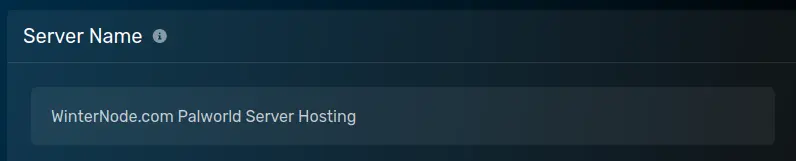 The name displayed for your server in the server list.
Server Password
 The password required to connect to your server. May be left blank.
Admin Password
 The password needed to enable admin commands on the server using the
 /AdminPassword command and for sending commands over RCON.
You can empty this field to disable admin commands and RCON entirely. Doing so will also prevent you from sending commands via the GCP server console.
RCON Port
 The port used to connect to the RCON server. If you’d like to use the RCON server, check out this guide.