


 Minecraft
 Recover a player’s dropped items after death using CoreProtect’s lookup and rollback commands. You can’t directly roll back the kill action, but you can roll back the items that dropped when they died - regardless of whether those items burned, fell into the void, were picked up by another player, or despawned.
How Item Recovery Works
When a player dies, CoreProtect logs two types of events: the kill action (the death itself) and -inventory actions (each item that left their inventory). The kill action can’t be rolled back, but the inventory transactions can. Rolling them back puts the items directly into the player’s inventory.
This works for any death cause - lava, void, PvP, explosions, drowning, or fall damage. The process is always the same: look up the item drops at the death location, then roll them back.
Looking Up Dropped Items
Go to the location where the player died and run a lookup to confirm the item drops were logged. Use the -inventory action to filter out everything else.
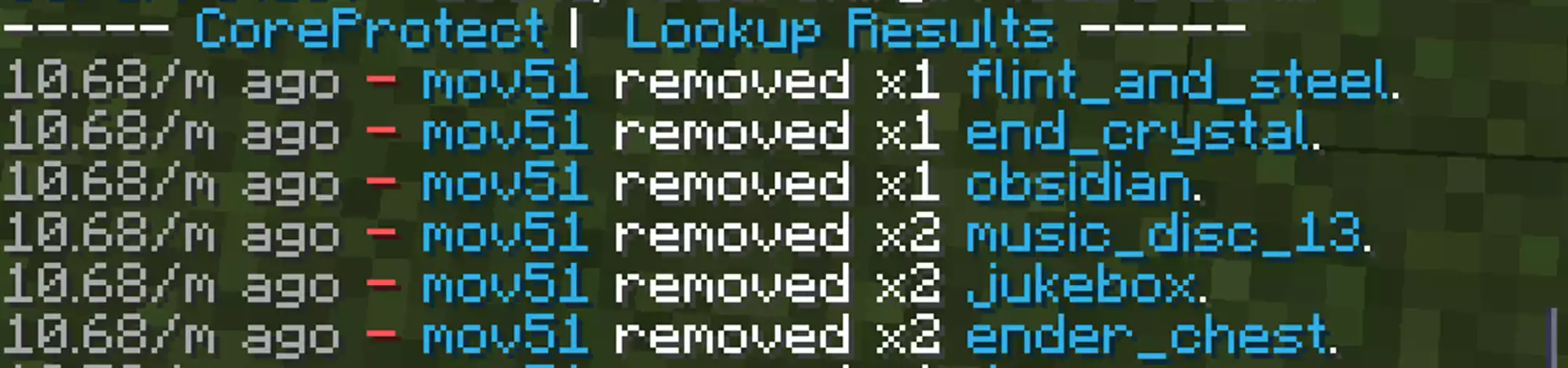
Stand at the death location and run:
/co lookup user:mov51 action:-inventory radius:5 time:15m
This targets all negative inventory transactions (items leaving the player) within 5 blocks over the last 15 minutes. Adjust radius if the player was moving when they died, and time if the death wasn’t recent.
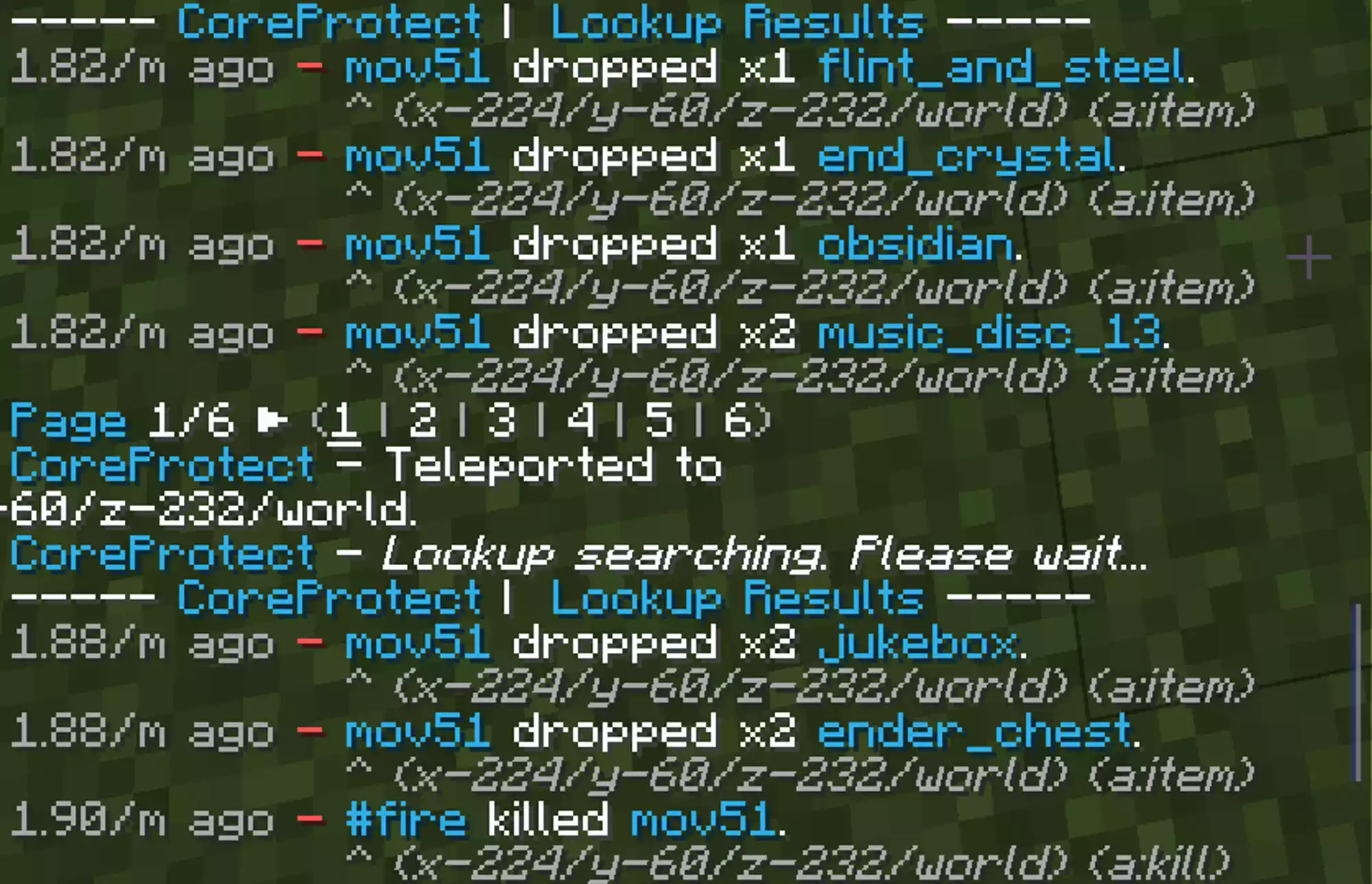
Rolling Back the Items
Once the drops show up in the lookup, replace lookup with rollback using the same parameters:
/co rollback user:mov51 action:-inventory radius:5 time:15m
The items return directly to the player’s inventory.
Command Quick Reference
| Parameter | What it does | Example |
|---|---|---|
user:<name> | Target a specific player | user:mov51 |
action:-inventory | Filter to item drops only | Required for death rollbacks |
radius:<blocks> | Search area around you | radius:5 (small), radius:15 (large) |
time:<duration> | How far back to search | time:15m, time:1h, time:2d |
Tips
- Always run the lookup first. If nothing appears in the lookup, the rollback won’t recover anything. This also lets you verify you’re targeting the right events before making changes.
- Keep the radius tight. A 3-5 block radius avoids accidentally rolling back nearby container transactions. Widen it if the player died while moving or falling.
- Void deaths still work. Items that fell into the void are still logged as
-inventoryevents. The same lookup/rollback process applies. - Multiple deaths in one spot. If several players died at the same location (PvP fight, mob farm), use the
userparameter to target one player at a time to avoid mixing up inventories.