


 ARK: Survival Evolved
 When your ARK Server starts the console will show a repeating connection attempt being made to a local RCON server. This is 100% normal and expected because ARK does not expose a standard console application, instead we have to wait for the server to start and then connect over RCON, which is a protocol for sending commands remotely to game servers.
This is what you’ll see when the console attempts a local RCON connection: 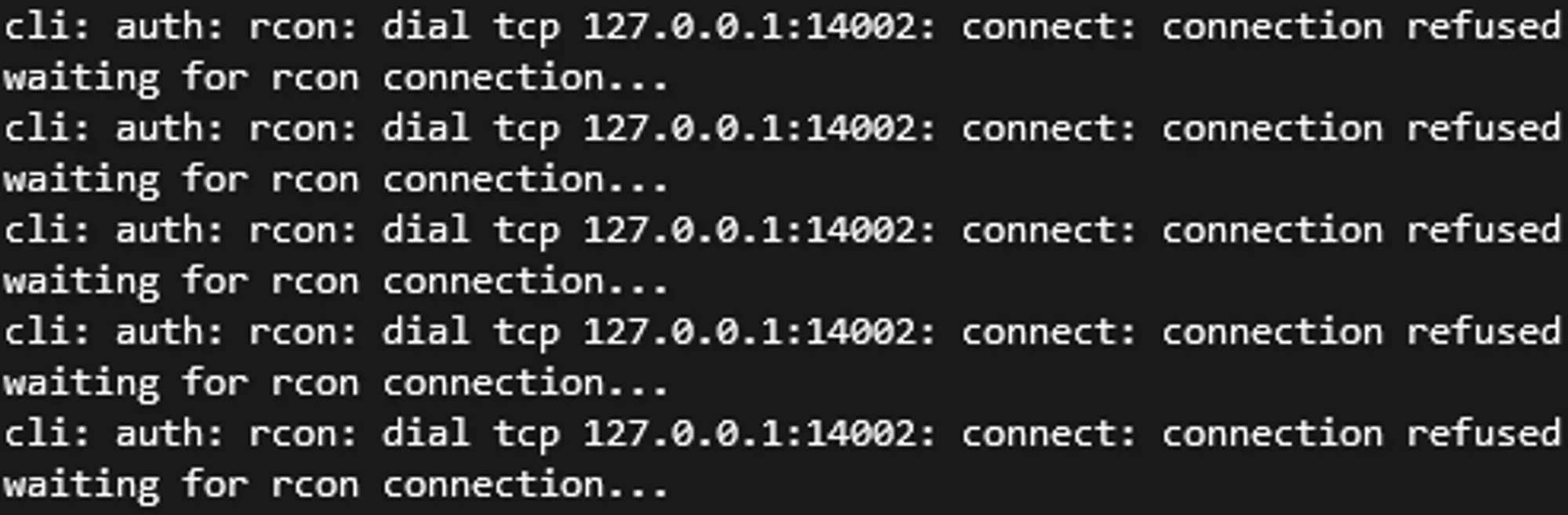
When the RCON connection is successfully established, you’ll see this in the console: 
Since we have to wait for the server to start, we attempt a connection to the RCON Server ever few seconds to see if it’s started yet. Once the server has started and accepts the connection, the console will connect to it and you’ll see the line Waiting commands for 127.0.0.1:<port> (or type :q to exit). This shouldn’t take more than 10 minutes. If it does, please reach out to our Support Team!