Billing

Manage your Service

Common tasks for managing your WinterNode services in the Client Area, including upgrades, cancellations, and password resets.

Last updated: July 16, 2025

These articles cover common tasks for managing your WinterNode services in the Client Area.

Reset your service password

Our Game Server services that are accessed via the GCP can be used to reset your GCP password by following the steps below.

  1. Navigate to “Services” → “My Services” in the Client Area.
  2. Select a service from the list.
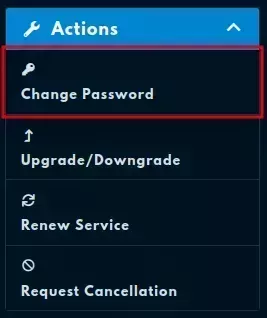
  3. Click on “Change Password”.

    The actions sidebar on the left side of a service page with the "Change Password" option located at the top of the list.

  4. Enter a password into both of the provided fields.
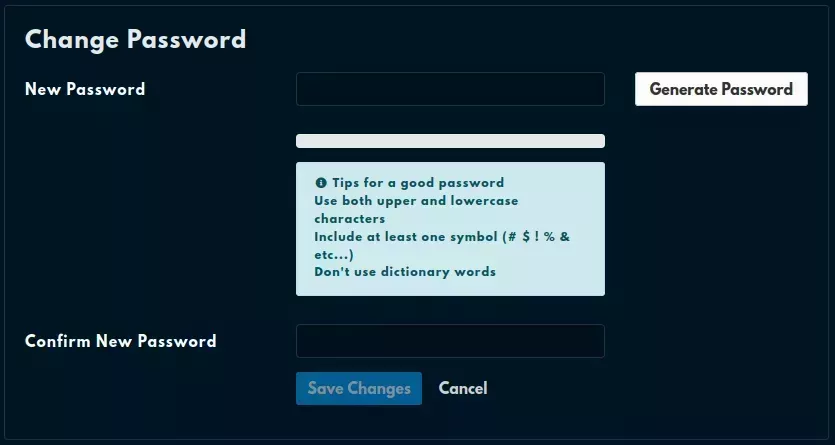
    The "Change Password" page with two empty fields, a "Generate Password" field, a complexity bar, and a "Tips for a good password" callout.